Freelancers
Show clients real options instead of mood boards, then build the chosen direction yourself. Faster approvals, fewer revision rounds.
Products / Early access
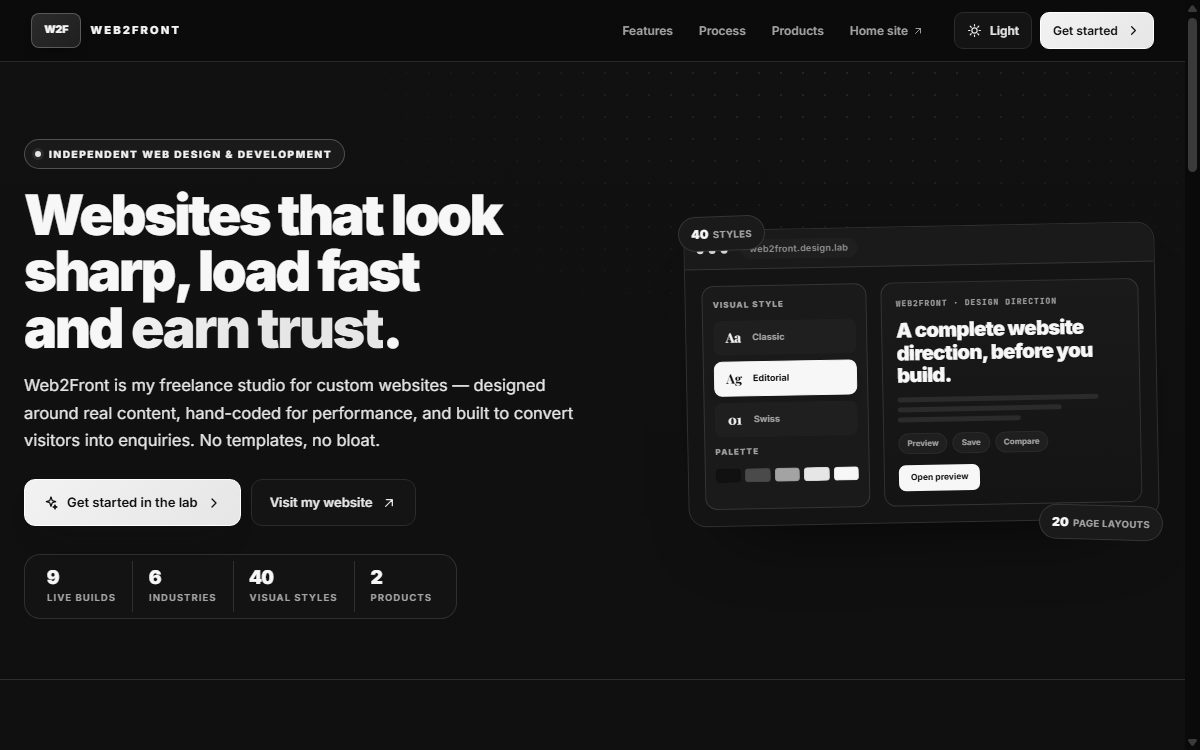
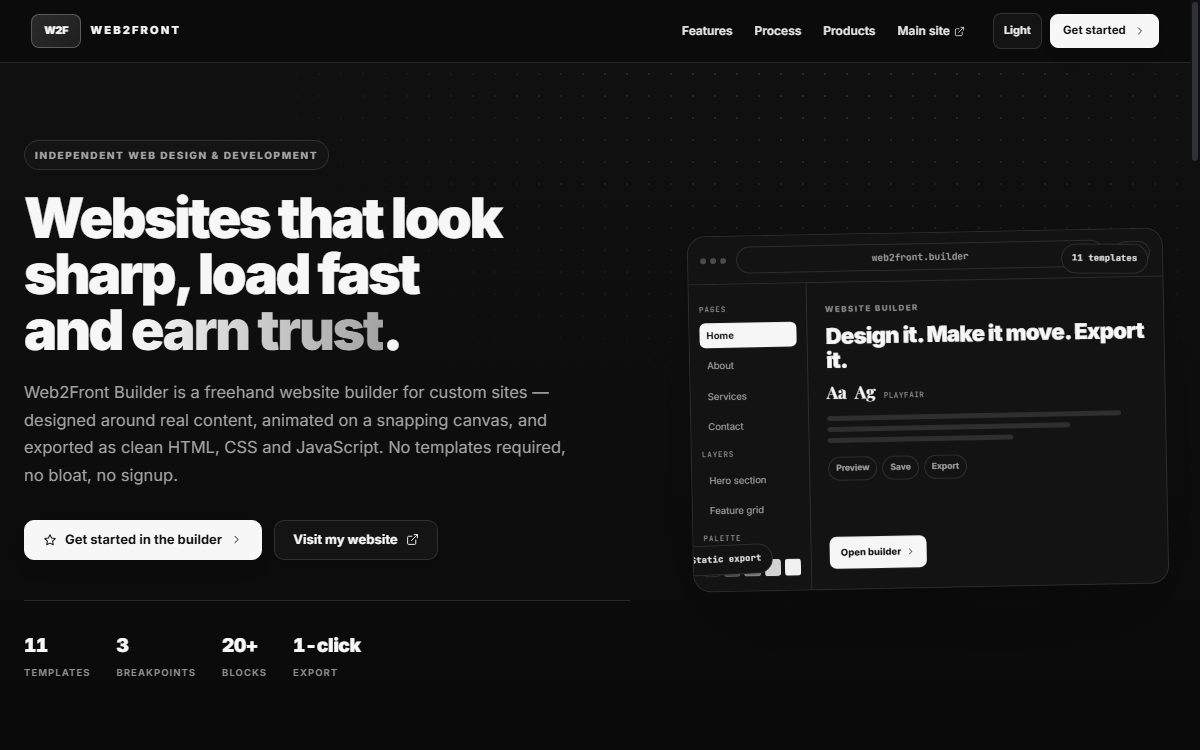
Decide the look with the Design Direction Lab. Lay out the pages with the Website Builder. Both run in your browser — no install, no signup.
Early-stage tools — actively being improvedGood tools can only take you so far. The Lab and the Builder are genuinely useful for exploring and assembling. When you want a site designed around your brand, with custom layout, content, and a proper launch — that is the work we do.
Work with usProduct 01 / Design Direction Lab
Choosing a look is where projects lose weeks of back-and-forth. The Lab makes that decision visual, fast, and concrete: the same content, rendered through dozens of complete directions, so you can compare rather than imagine.
Product 02 / Website Builder
Build real pages without writing code, then take the clean static HTML, CSS, and JavaScript with you. The Builder gives you a snapping canvas, reusable components, responsive breakpoints, and an export you actually own.
Who it’s for
The same workflow serves the person presenting options and the person choosing between them.
Show clients real options instead of mood boards, then build the chosen direction yourself. Faster approvals, fewer revision rounds.
Use the Lab in discovery workshops so stakeholders align on direction, and the Builder to prototype pages before development starts.
Browse dozens of directions yourself, shortlist favourites, and assemble a working site without waiting on a developer.
Which one do I need?
Use the Lab when you need to explore visual direction, compare complete styles, and get everyone aligned before building.
Use the Builder when the direction is settled and you want to assemble real pages, test responsive layouts, and export the result.
Need more than a tool?
If you want a site designed around your content — not assembled from a library — that is exactly what we do.
Start a custom project web2front@gmail.com